technologyvideo-callsgrandparenting
The Easiest Video Call Setup for Grandparents
If you want a grandparent to actually use video calls, the setup has to be almost invisible. Here is what 'easy' really means, and how to get there.
Listen
0:00 / 0:00
When families say they want "easy" video calling for a grandparent, they usually mean something more specific than they realize. They mean: easy enough that Grandma uses it on her own, every day, without anyone on standby to help. That is a high bar — and most popular apps do not clear it.
Here is what "easy" actually requires, and how to set it up so it sticks.
"Easy" has a precise definition
For a grandparent who did not grow up with smartphones, easy means:
- No logins. Passwords are a wall. The moment a screen asks for one, many older adults stop.
- No app to find. Hunting through a grid of icons for the right one is its own obstacle.
- No menus to navigate. Every extra screen is a chance to take a wrong turn and feel lost.
- Big, obvious targets. Large faces and large buttons for hands and eyes that need them.
- No way to get stuck. A wrong tap should never lead to a dead end with no way back.
If a setup has any of these gaps, it will quietly fail — not because your grandparent cannot learn, but because the design is fighting them.
The gold standard: a face and a tap
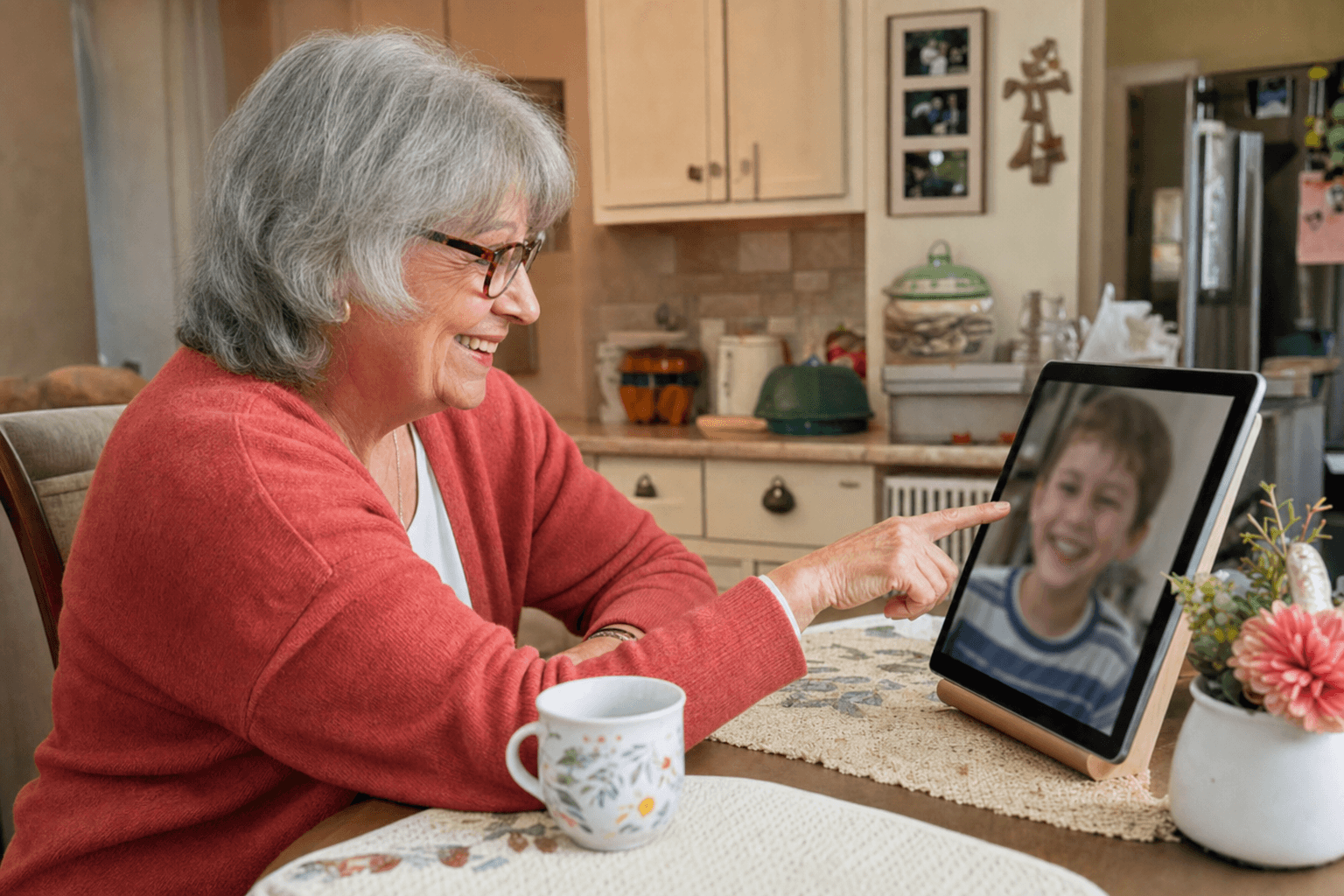
The simplest possible video call is this: the screen shows big photos of the family, and tapping a face starts the call. That is it. There is nothing to remember because there is nothing to do but recognize the people you love and reach for them.
This is the model Nana Chat is built on. The grandparent sees a grid of family faces and taps one to call. The family does all the setup and management from their own phones, so the grandparent never touches a settings screen, a password, or an app store. The device opens straight to the people who matter.
Match the setup to the person
There is no single right answer — match the tool to the grandparent:
- Comfortable with a touchscreen? A tablet on a stand, set up so it opens straight to family faces, is ideal.
- Finds tablets fiddly? Look at auto-answer setups, where trusted family calls connect on their own and nothing needs to be tapped to pick up.
- Lives in the living room? Consider TV mode, so calls appear on the big, familiar screen with remote-friendly controls.
- Loves photos most? A smart frame that shows family pictures and also receives calls can be a gentle entry point.
The right choice is the one that asks the least of the person using it.
Keep it safe and calm
Easy should never mean exposed. A good setup limits calls to a small list of trusted contacts, so strangers cannot reach your grandparent and your grandparent cannot accidentally wander somewhere confusing. Safety and simplicity go together: fewer options means fewer worries, for everyone.
Remember who does the work
The quiet principle behind every easy setup is this: the family carries the complexity so the grandparent does not have to. You manage the contacts, the arrangement, the settings — all from your own phone, where you are comfortable. Your grandparent is left with only the joyful part: seeing a face and saying hello.
Key Takeaways
- "Easy" means no logins, no app to find, no menus, big targets, and no dead ends.
- The gold standard is a screen of family faces where one tap is a call — exactly how Nana Chat works.
- Match the tool to the person: tablet, auto-answer, TV mode, or a smart frame.
- Keep calls limited to trusted contacts so simple also means safe.
- Let the family hold the complexity so the grandparent only ever sees the joyful part.
A few words explained
- One-tap calling
- Placing a call with a single touch on a person's photo — no app to find, no login, no menus.
- Auto-answer
- A setting where calls from trusted family are picked up automatically, so the grandparent does not have to do anything to be connected.
- Trusted contacts
- A small, approved list of family and friends who are allowed to call. It keeps things safe and free of strangers.
- Interface
- What you see and touch on a screen — the buttons, icons, and layout. A simple interface has fewer things to learn.
- Smart frame
- A digital photo frame that can also receive photos and video calls, sitting on a shelf like an ordinary picture.
- Friction
- Any small step or obstacle between wanting to do something and doing it. The more friction, the less a habit sticks.
- TV mode
- Using the living-room television as the screen for video calls, with large, simple, remote-friendly controls.
Continue reading
technologyvideo-calls
How to Set Up a Tablet for an Elderly Parent (Step by Step)
A tablet can open up video calls, photos, and connection — but only if the setup is done right. Here is a calm, practical guide to getting it ready before you hand it over.
4 min read

technologyvideo-calls
Teaching Your Parent Video Calls Without Tears (on Either Side)
Teaching an older adult new technology can be frustrating for both of you. With the right pace and a few small tricks, it can be patient, kind, and even fun.
4 min read